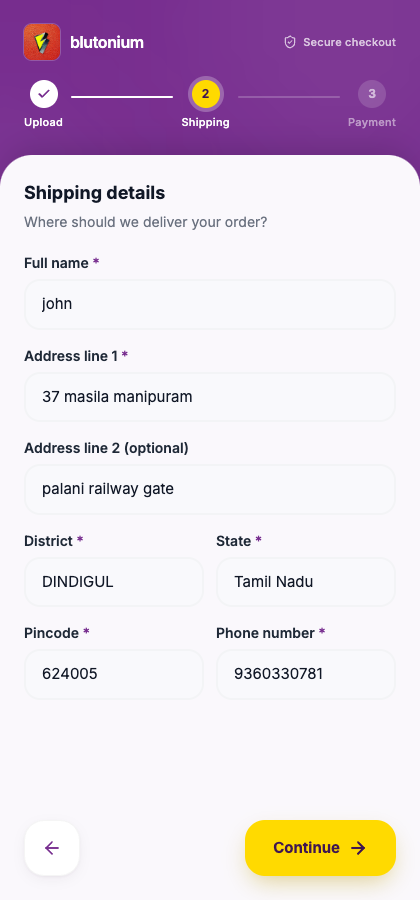
Checkout step 2 — Shipping details
Step indicator label: Shipping. Heading: Shipping details — Where should we deliver your order?
Customer
Fill the form, then tap Continue.
| Field | Required | Notes |
|---|---|---|
| Full name | Yes | At least 2 characters; may pre-fill from the link’s customer name |
| Address line 1 | Yes | At least 5 characters |
| Address line 2 | No | Apartment, landmark, etc. |
| District | Yes | |
| State | Yes | |
| Pincode | Yes | Exactly 6 digits |
| Phone number | Yes | Exactly 10 digits |
On failure to save: Failed to submit shipping details. Please try again. (or the API message). Use the previous-step control if you need to go back to Upload.
Staff
Shipping from this step appears under Shipping Details in the Customer Submission modal. Add to Orders maps it into the POS cart (district → city field in POS). Confirm the address before finishing the sale.