Browse and search the online shop
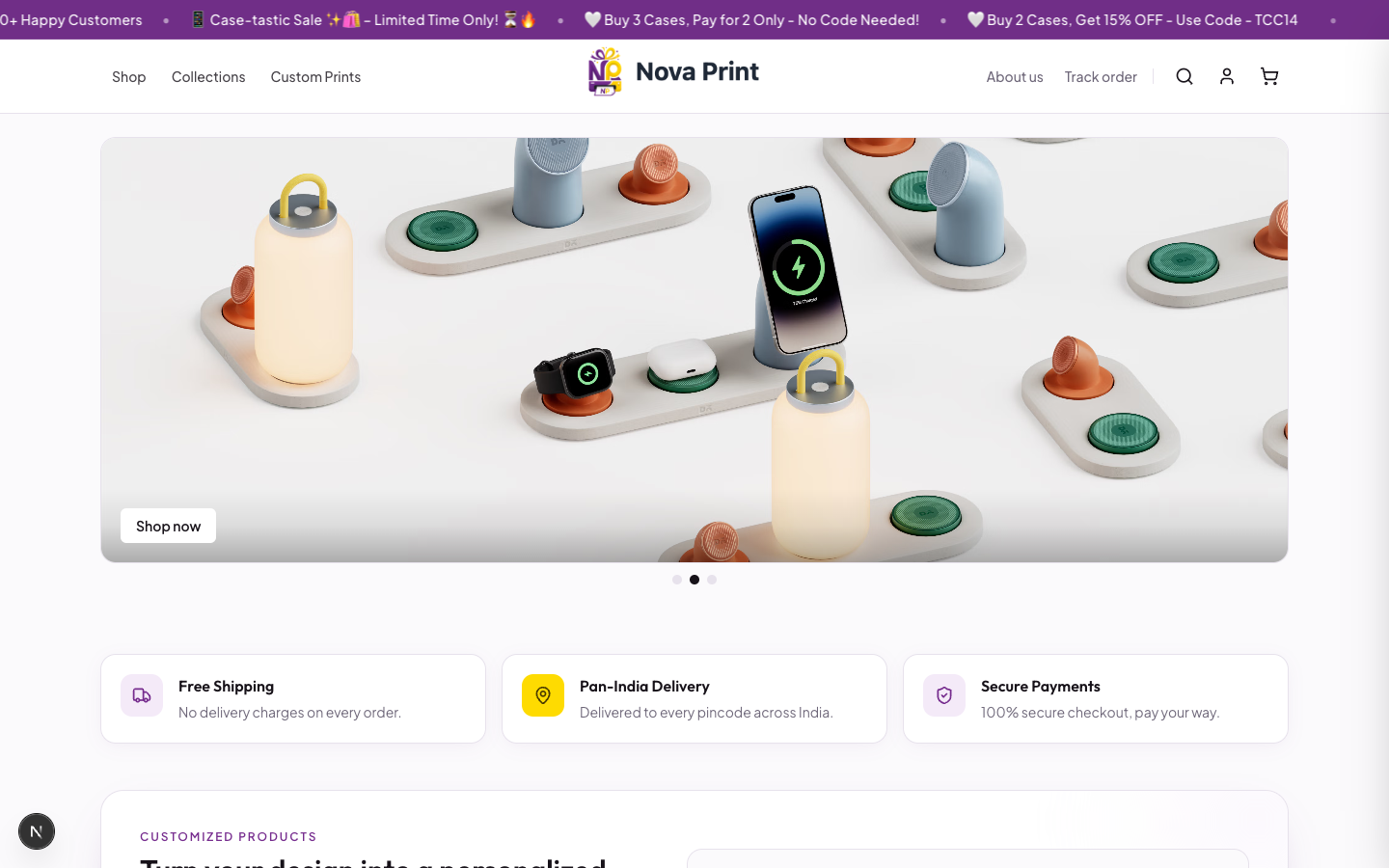
Use the public storefront to find standard products, custom print categories, and designs. Production shop URL is typically https://novaprint.co.in (local default port 3003). See Apps and URLs.
Main entry points
| Control | Where it goes |
|---|---|
| Header Shop | /category/all (Shop all) |
| Header Collections | /collections |
| Header Custom Prints | /custom |
| Header search | Type a query; press Enter → /category/all?search=… |
| Home View All Products | /category/all |
| Home Shop by Category tiles | /category/{category name} |
| Utility bar Track order | /track-order |
Shop all (/category/all)
- Open Shop (or go to
/category/all). - The page eyebrow reads Catalog; the title is Shop all.
- Use Category pills (All plus each live category name) to narrow the list.
- On Shop all only, use Product type tabs: All, Standard, Custom prints, Designs.
- Optionally type in Search products... and change Sort (Relevance, Name (A–Z), Name (Z–A), Price: low to high, Price: high to low, Newest).
- Open a card:
- Standard product →
/product/{slug}(or use grid Add to cart). - Design → collection design URL (hover shows Choose model; button View design).
- Custom category →
/custom/{category}.
- Standard product →
Empty state: No products found (with a type-specific hint when a product-type filter is active).
Browse a single category
- Pick a category from home, Shop all pills, or the footer category links.
- Open
/category/{category name}(name is URL-encoded). - Search and sort work like Shop all; Product type tabs are not shown on category-only pages.
- The list shows standard products for that category (and any category-scoped extras shown as cards).
Header search
- Open the search field in the header (placeholder Search products...).
- Type at least 2 characters to see dropdown results (Searching... while loading; No products found if empty).
- Click a result to open
/product/{slug}, or press Enter to open Shop all with?search=.
Tips
- Legacy
/designsURLs redirect to/collections. - Visiting
/cartopens the cart drawer and returns you to the home page — there is no standalone cart page. - Whether product-type tab changes update the URL
?type=parameter: Verify in UI.