User Guide
Nova Print is a print-shop platform: warehouse and catalog management, in-store POS, an online storefront, and customer ordering links.
This User Guide is for store staff and end customers. Technical setup lives in the Technical Documentation section.
Which app do I use?
| Audience | App | What it is for |
|---|---|---|
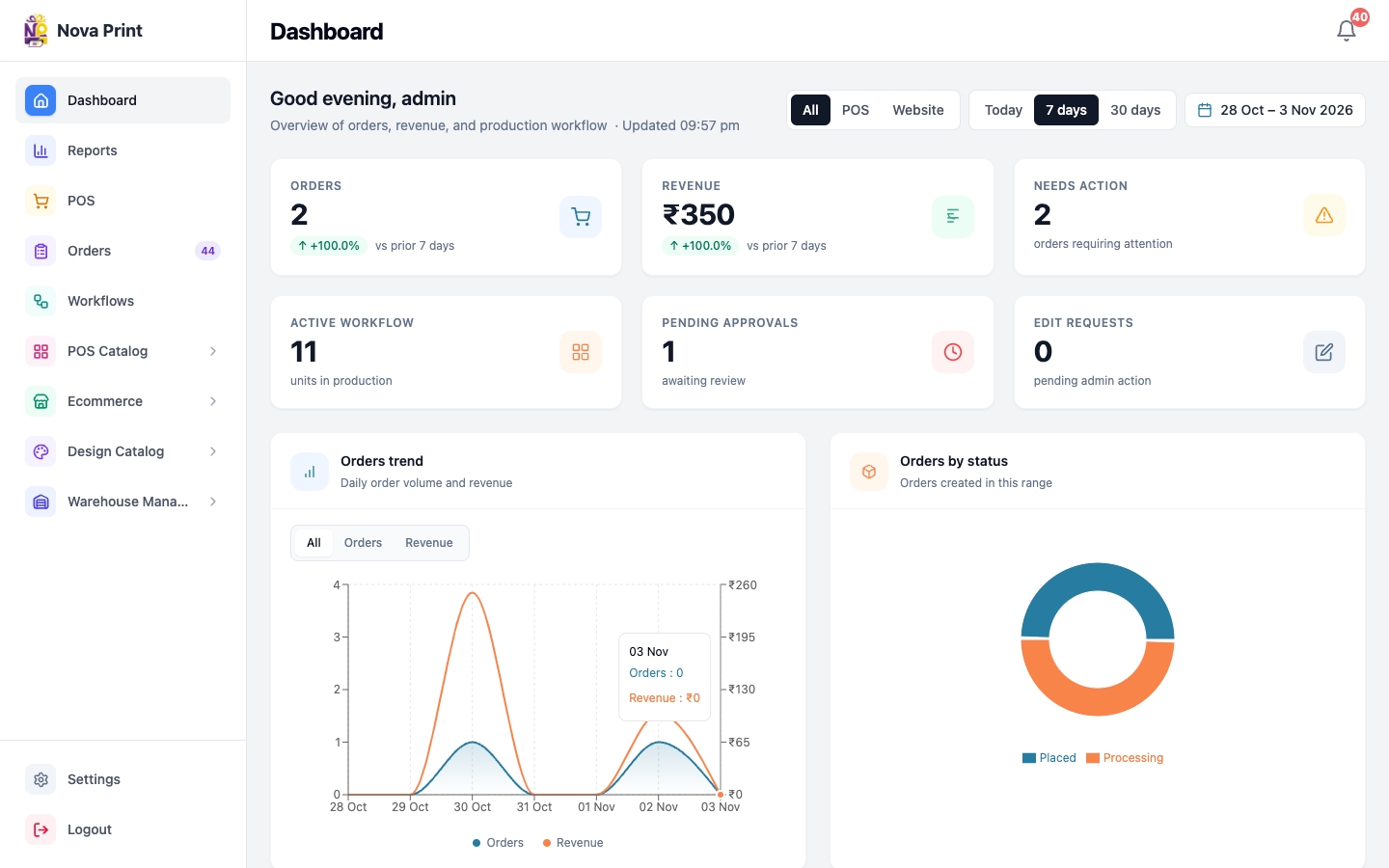
| Owners, managers, warehouse, design/print, accounts | Admin | Dashboard, orders, warehouse, ecommerce/POS catalog content, staff users, POS terminal setup |
| Counter / cashier staff | POS | In-store selling, customer links, catalog links, order history for a terminal |
| Online shoppers | Ecommerce (store) | Browse the public website, cart, account, checkout (COD / Razorpay when enabled) |
| Customers with a shared link | Checkout | Finish an order from a customer link (upload artwork, shipping, payment proof / chat) |
Production URLs and local ports are listed in Apps and URLs. Roles and permissions are summarized in Roles overview. Public storefront production is typically novaprint.co.in. Shared checkout links use store.novaorder.in.
Next steps
- Staff: Quick start for staff
- Customers: Quick start for customers
- Understand access: Roles overview